Users and permissions
We handle identity synchronisation, groups and access configuration. The design also covers account changes and unavailable identity sources.

Avoid solving the same user, access and document operations repeatedly. We develop components for ELO automations and business applications.
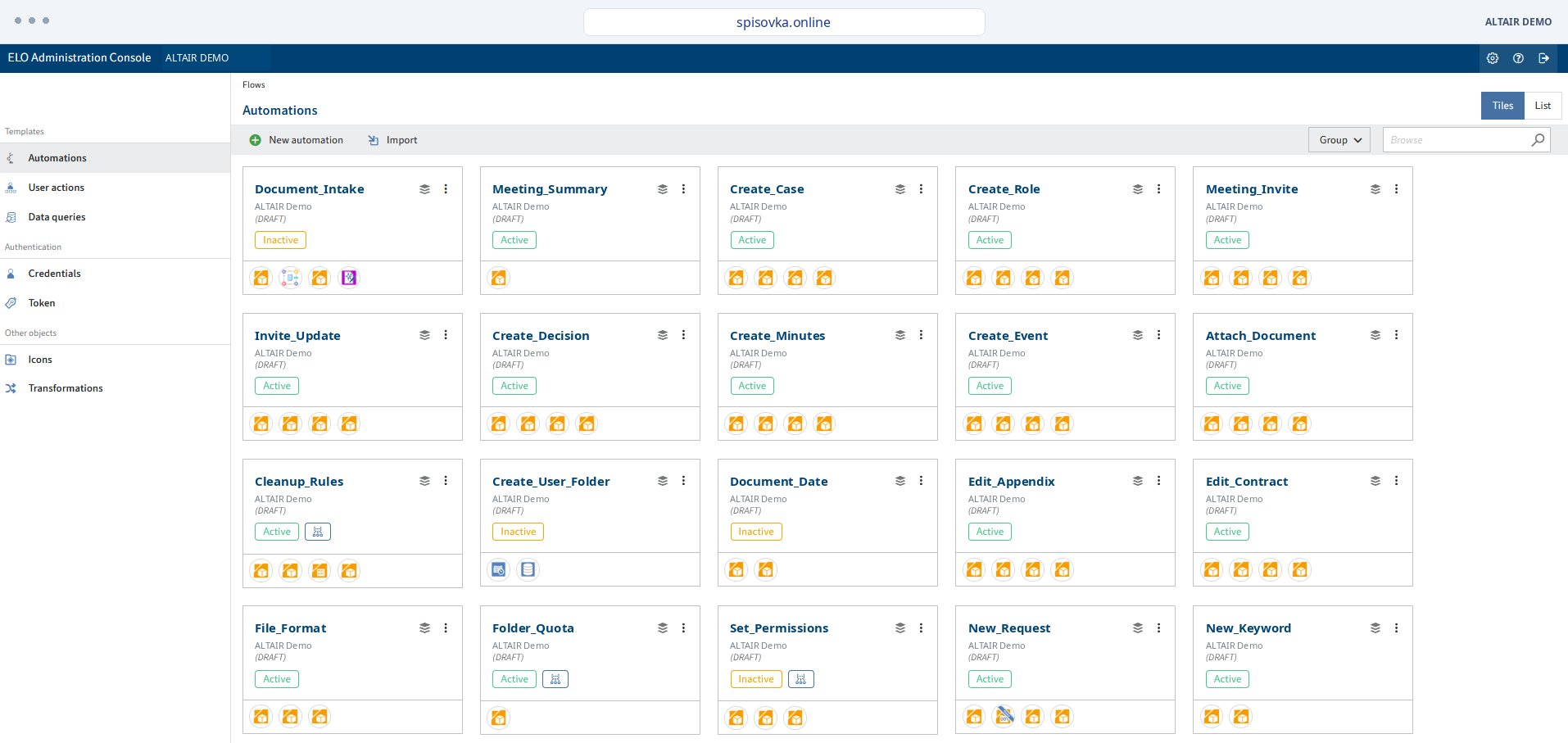
We handle identity synchronisation, groups and access configuration. The design also covers account changes and unavailable identity sources.
Components can check data, process document batches or prepare the next operation. Batch processing includes result tracking and exception handling.
Extensions become reusable automation steps. We document configuration, permissions and dependencies for deployment.
Each delivered extension needs an owner and an update procedure. These are prepared alongside the functional solution.
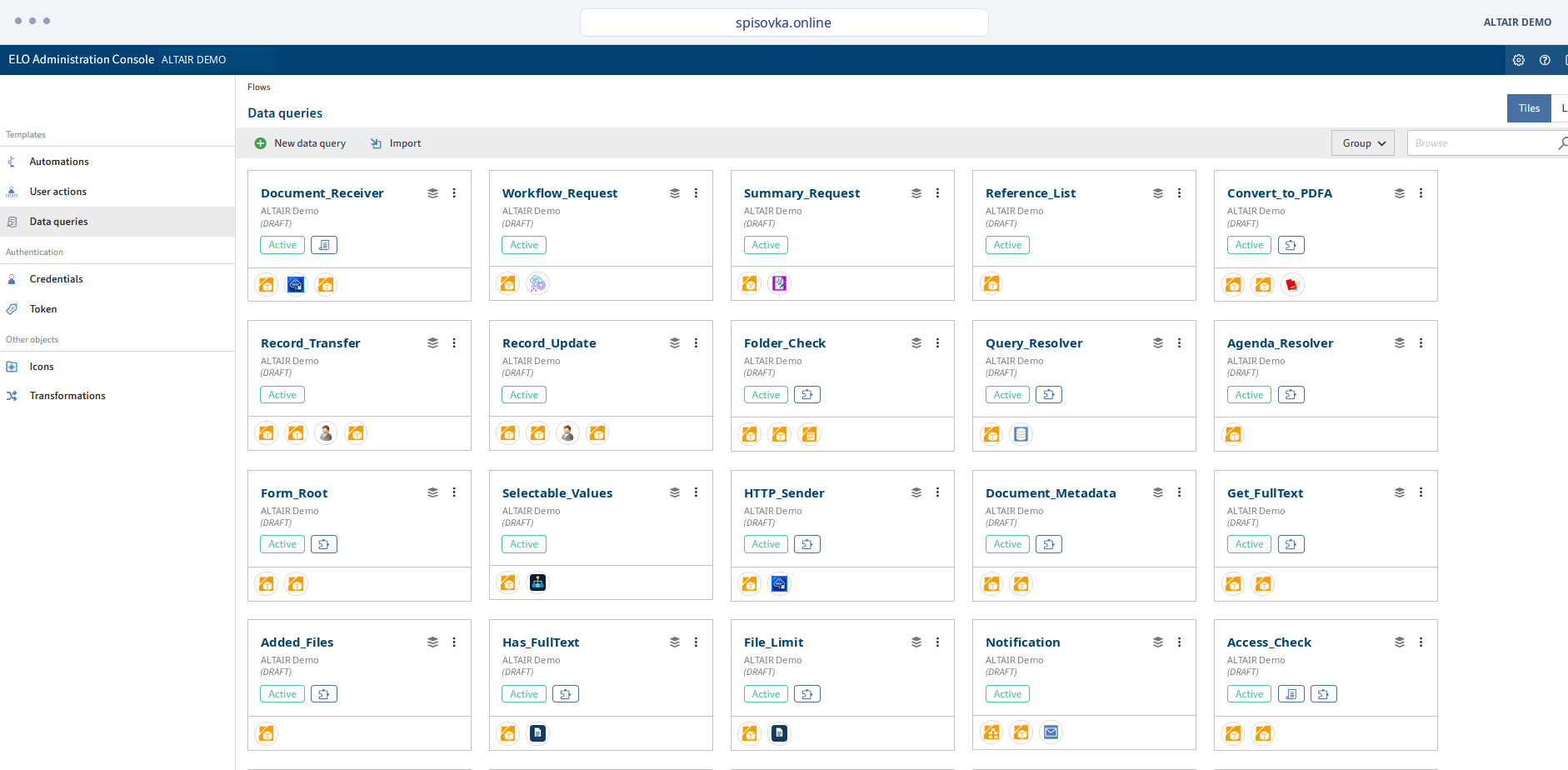
We use workflow mainly for user tasks, handovers and decisions. ELO Flows connects automation and integration steps. They can complement each other according to the process and available components.
It supports structured data models and reusable parts through aspects. This helps align data across applications. The model still needs to fit users' work and the interfaces that depend on it.
Access is configured by role, group and application. Checks should include previews, exports, service accounts and role changes. Hiding a menu link is not an access control.
Licensing and delivery scope are defined in the proposal. Distinguish the ELO platform, custom modules, integrations and third-party services. Demonstrated functions are mapped to specific items when preparing an offer.
The integration should record failure, distinguish temporary issues and support safe retry. Depending on the scenario, use a queue or a controlled error response. Keep track of what has already been processed.
Configuration, interfaces, roles, operating procedures and custom-extension documentation, as well as the application. Agree administrator access, backup, support and upgrade arrangements in the requirements.