Documents with the information that matters
A document may have an owner, counterparty, status or case reference. We design metadata around the way people search and work, rather than the folder in which a file happened to be saved.

Find the right version, check approval progress and keep supporting documents together. We configure ELO-based document management around your processes and existing applications.
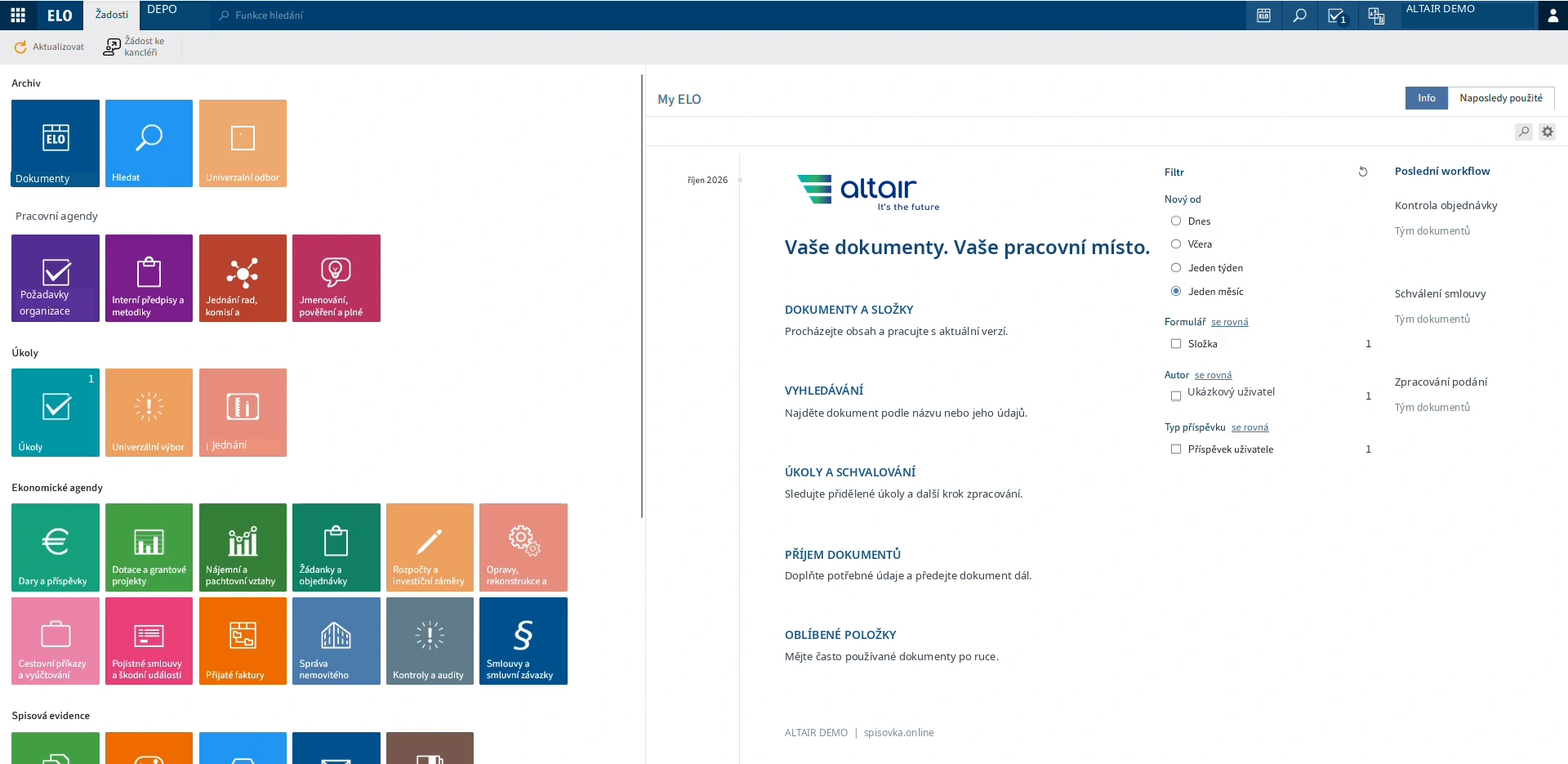
A document may have an owner, counterparty, status or case reference. We design metadata around the way people search and work, rather than the folder in which a file happened to be saved.
A DMS keeps a history of changes and distinguishes working copies from approved documents. We set up permissions around roles and business processes.
Comments, tasks and deadlines stay with the document. Staff can see what needs their attention, while process owners can follow progress.
Your ERP or portal can use the DMS in the background. People stay in their familiar application while a shared platform manages documents, metadata and versions.
Together we choose an initial process, document set and user group. We validate the approach, prepare migration and extend the system in line with your priorities.

ERP / CRM / Portal / Business application → Document API → Document repository / Metadata and relations / Workflow / Access and audit → Retention and lifecycle. Conceptual diagram · not a fixed product configuration
A document management system stores files together with metadata, versions and access permissions. It can also manage approvals. People can find the document, understand its status and see the information around it.
DMS focuses on documents. ECM takes a broader view of business content and how it supports processes. The functions often overlap, so evaluate the applications and workflows you need rather than the label alone.
It may be enough for simple sharing. A DMS adds controlled metadata, version history, permissions, approvals and links to business applications. It is particularly useful when several people need to know which version to use and what happens next.
Metadata describe a document: its type, owner, counterparty, date or status, for example. They support search, filtering and automation. Some can be supplied by another system or extracted from the document rather than entered manually.
Keep one recognised location, a version history and a clear approved status. The process defines who can edit and approve. Sharing a link is generally preferable to circulating separate copies.
Yes, when OCR has recognised the text and it has been indexed. Results depend on scan and recognition quality. Combining full-text search with metadata is useful for important fields.
Access is configured by role, group and application. Checks should include previews, exports, service accounts and role changes. Hiding a menu link is not an access control.
Usually not. Document services can connect to existing applications. We first review their interfaces, available data and identity handling, then design the integration.
Depending on the source, metadata, versions, folders, relationships and permissions may also be transferred. We agree scope and validation first. A trial shows which data need completing or correcting.
Consider data sensitivity, availability, integration, operating capacity and cost. Compare backup, recovery and exit arrangements as well. Public-sector projects also need to check the rules for the specific cloud offering.
Applications, users, interfaces, data quality and customisation all matter. A proposal should distinguish licences, implementation, migration and support. A useful schedule also accounts for the customer's preparation and participation.
Describe one routine process, the people involved and the current problem. An anonymised document and example fields are useful. Sensitive material is not needed for the first conversation; we can agree a separate transfer method.